

Case study · Management Systems
DigiQ — digital queue management
Replaces paper tokens and shouted names with a live digital queue customers follow on their phones.
- Client
- DigiQ (our product)
- Industry
- Banks, clinics & service counters
- Year
- 2026
- Type
- Management Systems
- 4
- roles, each with its own screens
- Live
- updates, with no page refresh
- Priority
- queueing for those who need it
The problem
Wherever people queue for a counter — a bank, a clinic, an office — the system is usually a paper number and a shouted name. Customers cannot tell how long they will wait, staff cannot see who is next across counters, and nobody can say afterwards how long people actually waited.
What we did
DigiQ gives each of the four people in a queue their own view. It updates live, with no refreshing, so the board on the wall, the phone in a customer's hand and the staff console always agree. Priority customers — the elderly, people with a disability, expectant mothers — are called first, and every action is recorded.
What we built
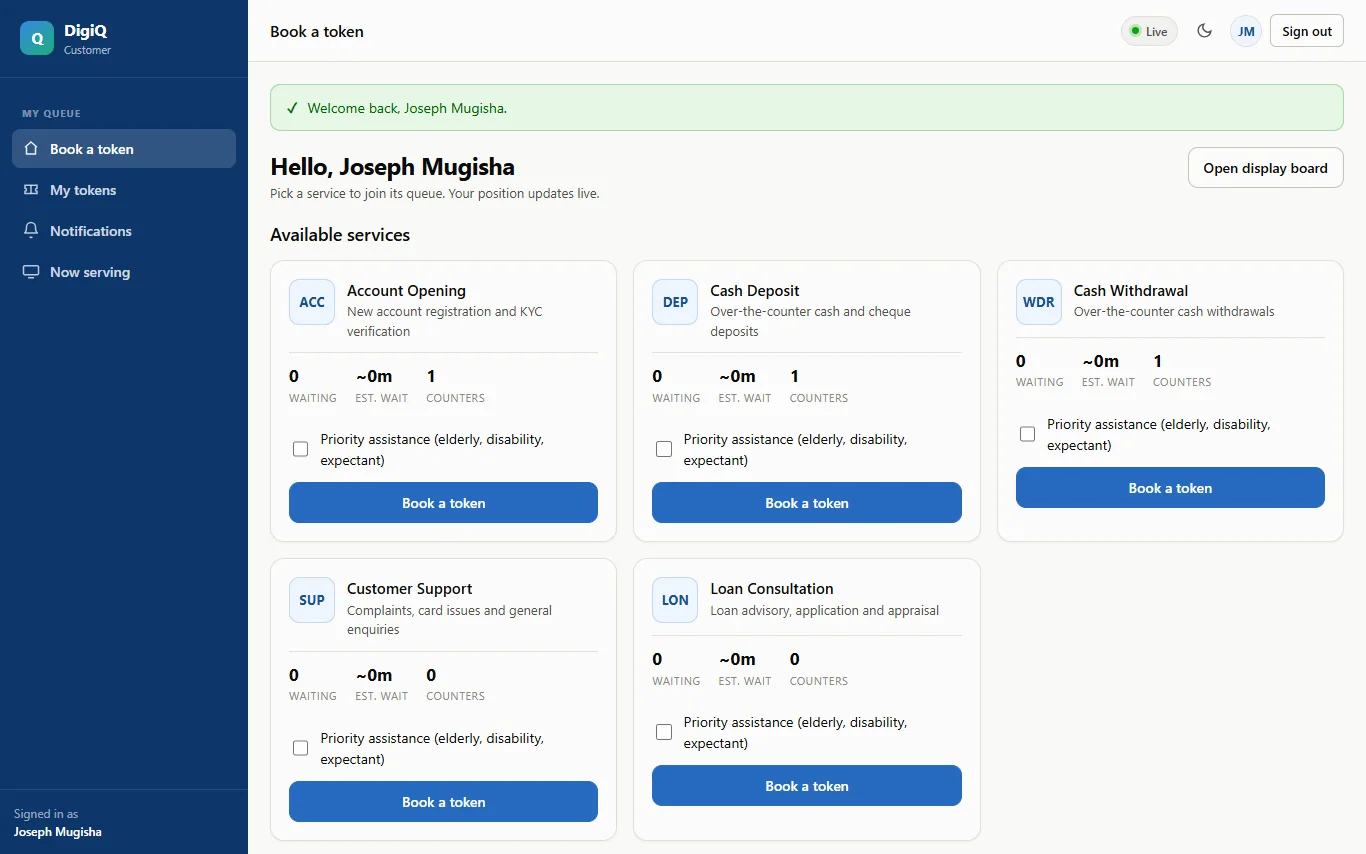
- 1CustomerBook a token, see live queue depth and estimated wait, get an alert as your turn approaches, and download a ticket with a QR code.
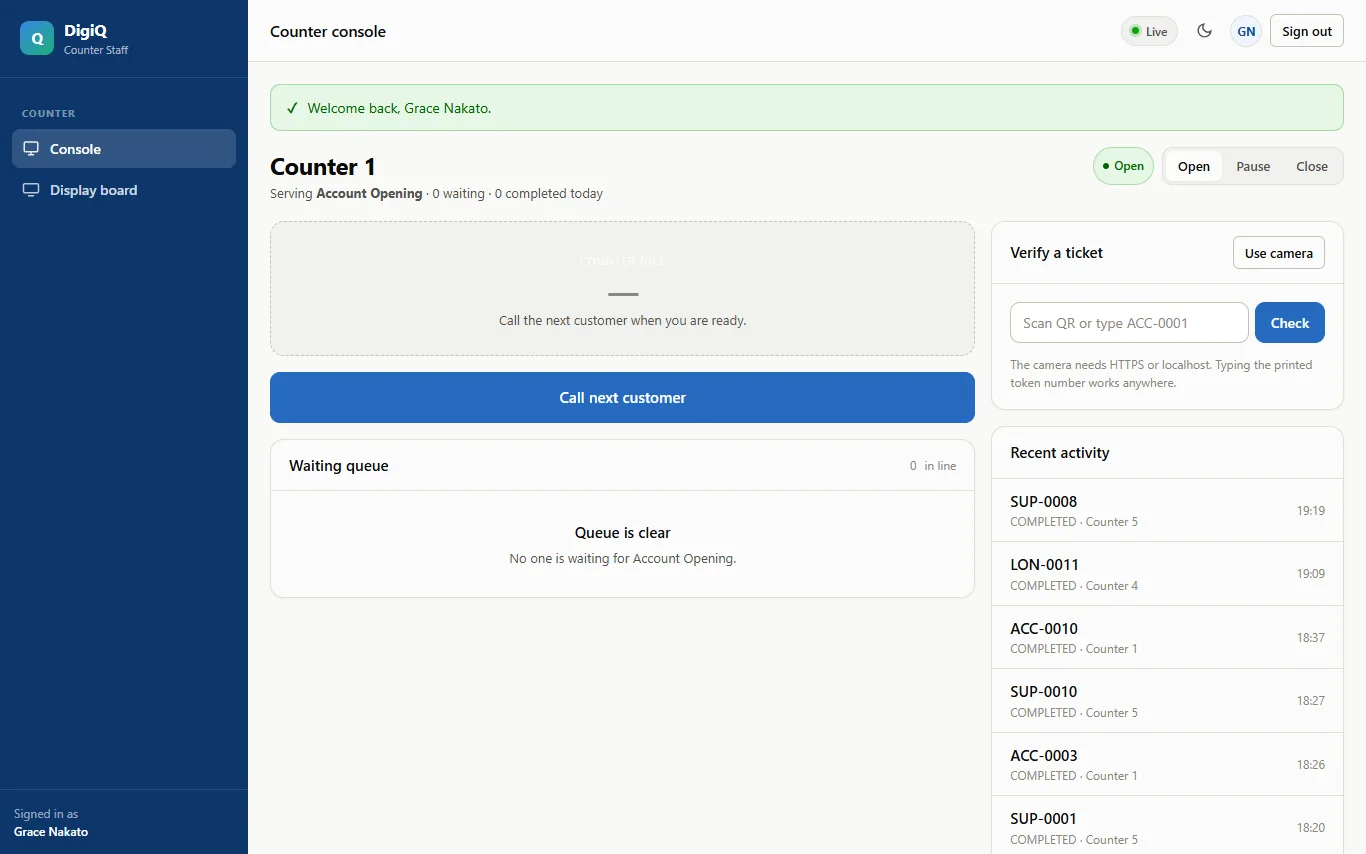
- 2Counter staffA console for one counter: call the next customer, scan a ticket with the camera, complete a service or mark a no-show.
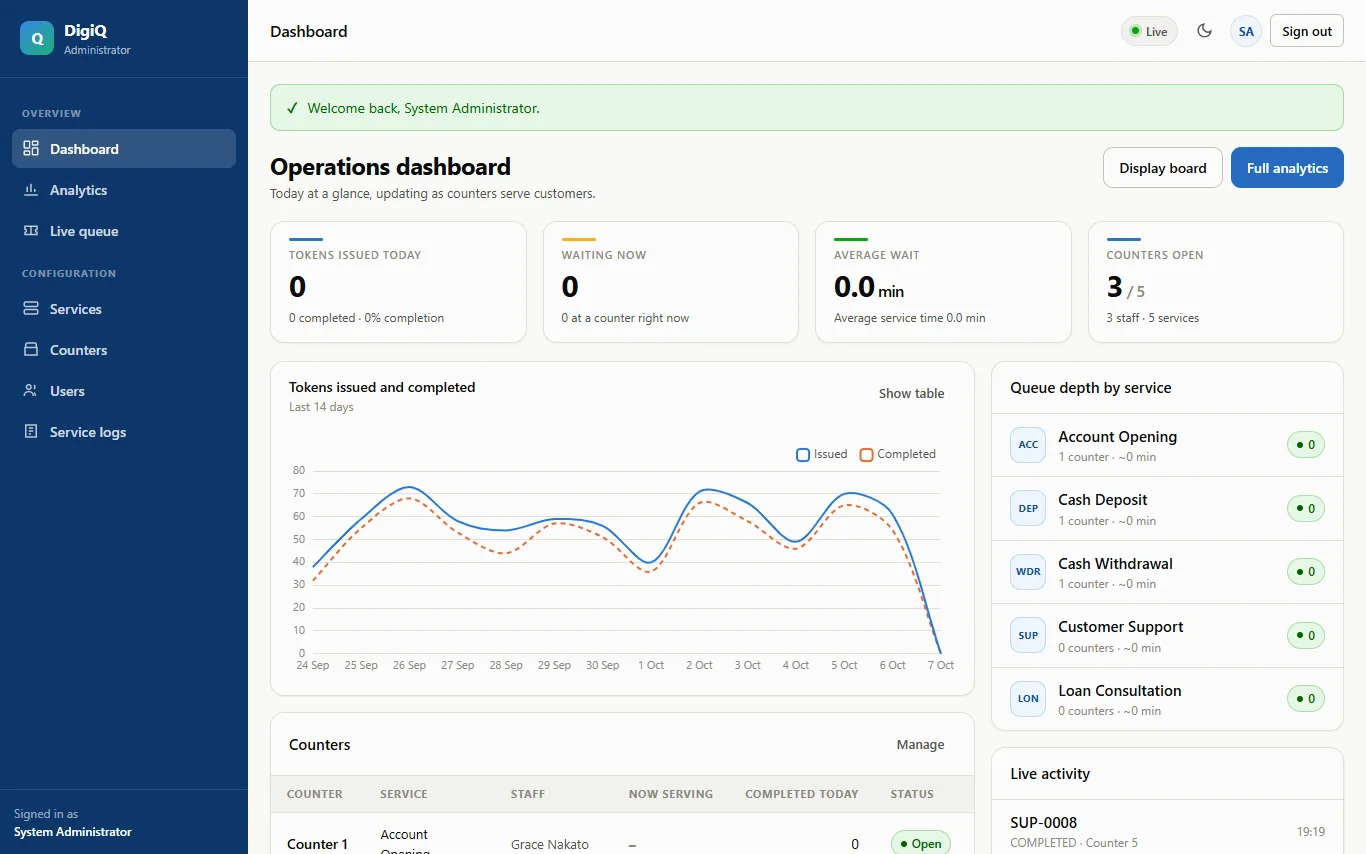
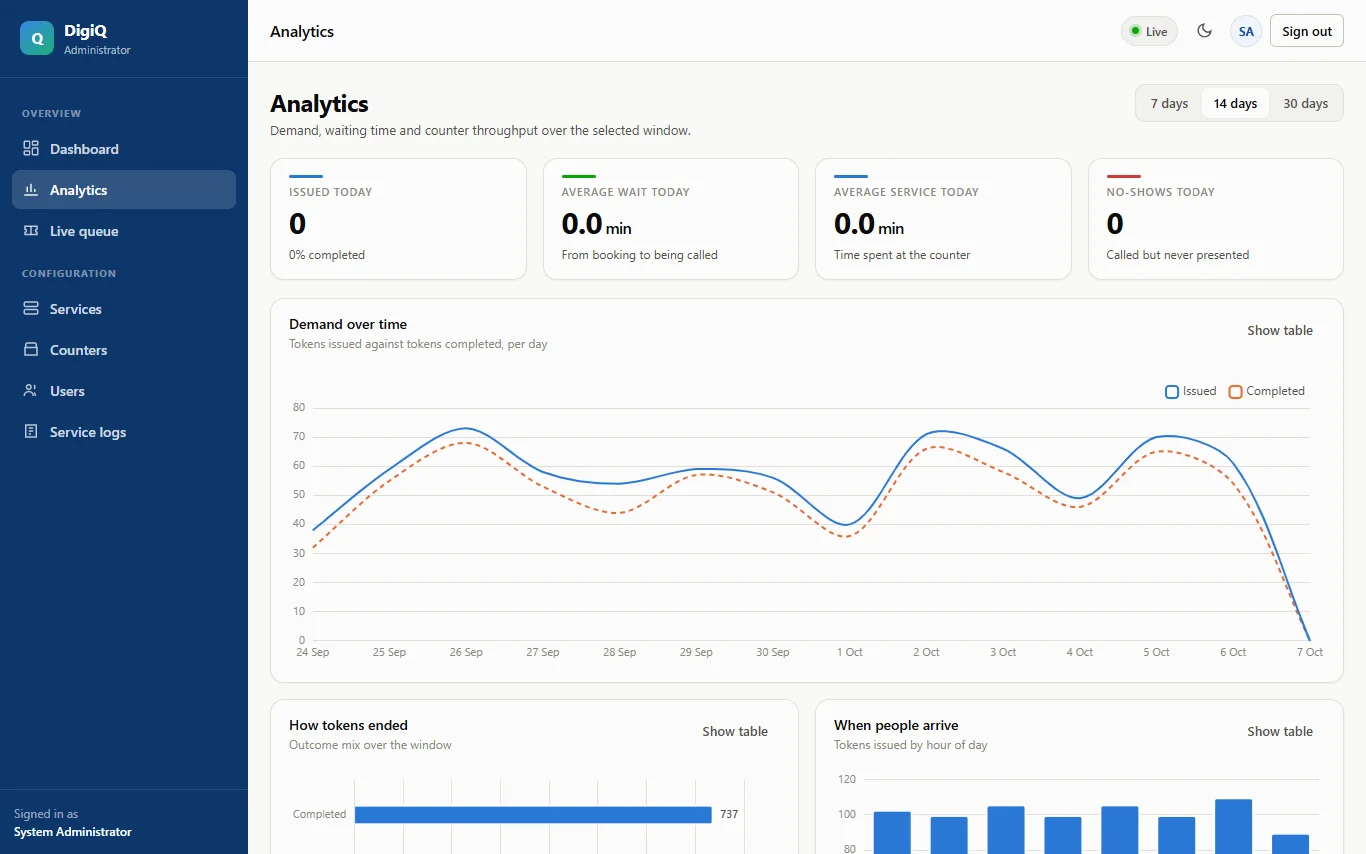
- 3AdministratorA dashboard and analytics — demand over time, waiting and service times, counter throughput — plus services, counters, users and an audit log.
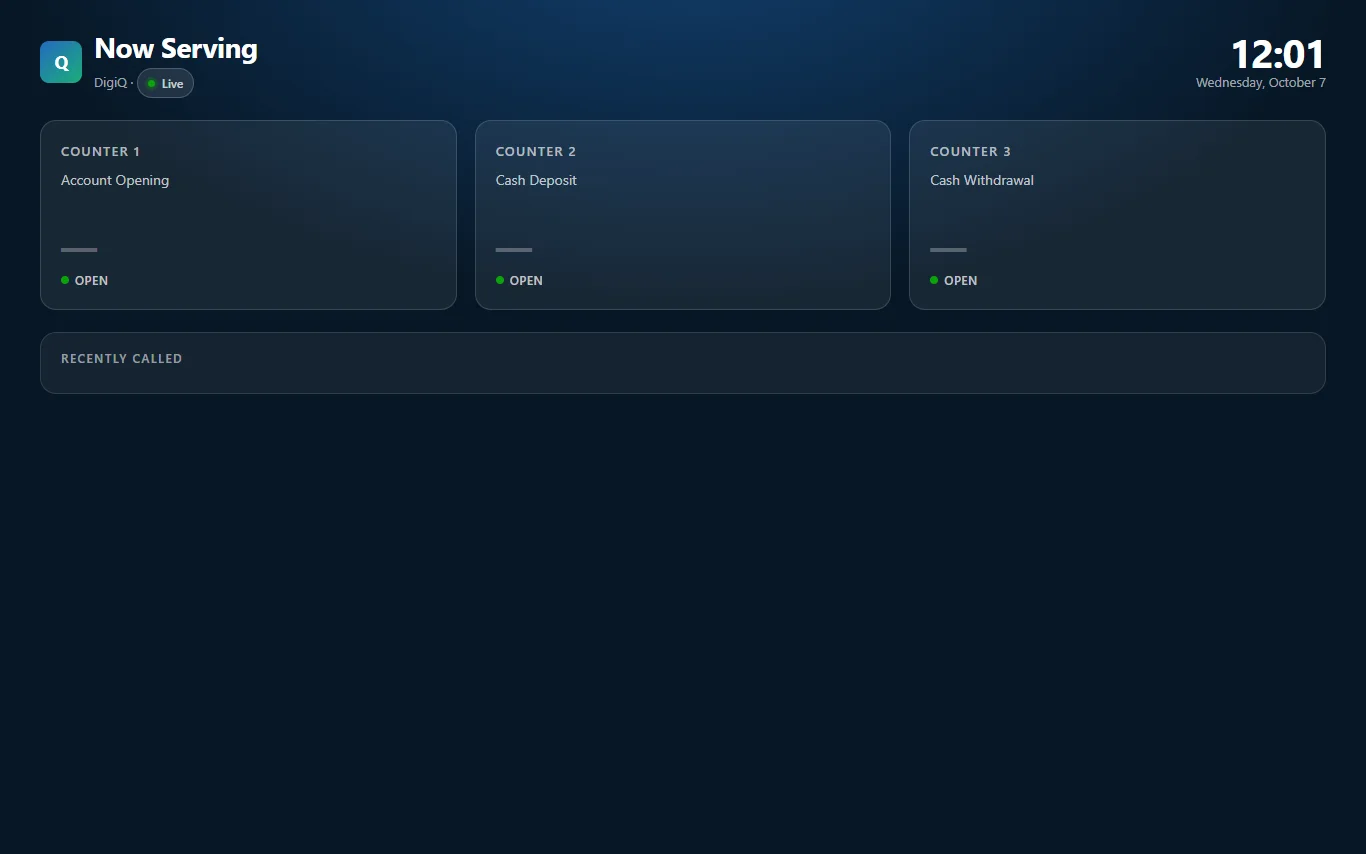
- 4Public display boardA full-screen 'Now Serving' board for a waiting-room screen. It shows token numbers only, never names.
More of it
Built with
Need a system like this one?
Tell us what yours has to do. We reply with a written quote and a timeline before any work begins.