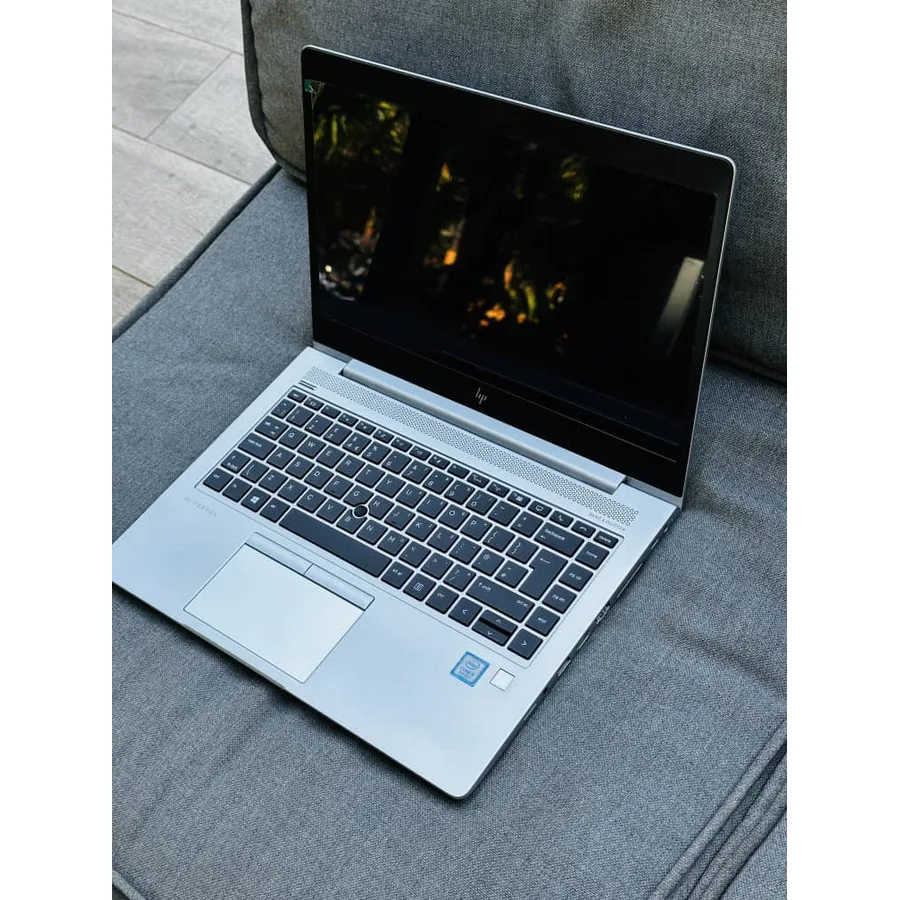


7 Ways to Speed Up a Slow Laptop (No New Hardware Needed)
By Agaba Geofrey · 18 August 2026 · 5 min read

A slow laptop is frustrating, but you can often fix it in minutes without spending money.
1. Close startup programs
Many apps launch with Windows and eat resources. Open Task Manager → Startup and disable what you don't need.
2. Free up disk space
A full drive slows everything down. Delete old downloads, empty the recycle bin, and uninstall programs you never use.
3. Scan for malware
Viruses and unwanted software silently use your CPU. Run a full scan with Windows Defender or a trusted antivirus.
4. Update Windows & drivers
Updates fix bugs and improve performance. Keep Windows and your graphics/chipset drivers current.
5. Reduce visual effects
Turn off animations under Performance Options for an instant snappier feel on older machines.
6. Upgrade RAM or add an SSD
If it's still slow, 8GB→16GB RAM and an SSD make the biggest difference. This is a cheap upgrade we can do for you.
7. Reset as a last resort
A clean Windows reinstall clears years of clutter. Back up your files first — or let us handle it safely.
🔥 Shop the latest tech deals
Laptops, phones & accessories with warranty and countrywide delivery.
Have a question or need help choosing?
Chat with us on WhatsApp