
Graphic Design (Photoshop, Illustrator & Canva)
Design logos, posters, flyers and social media graphics like a pro — from Canva basics to Photoshop & Illustrator.
- Registration FeeOne-time, non-refundable
- UGX 180,000
- Training Fee3 months of training
- UGX 450,000
Total Investment
UGX 630,000
Not ready for the full programme? Unlock single lessons below from UGX 5,000.
Physical or online
Attend at our Kampala centre or learn online — your choice.
Certificate included
Issued by the school when you complete the course.
Real support
Stuck? Message our trainers on WhatsApp.
What you'll learn
- What is graphic design? Tools & careers
- Design principles: balance, contrast, hierarchy
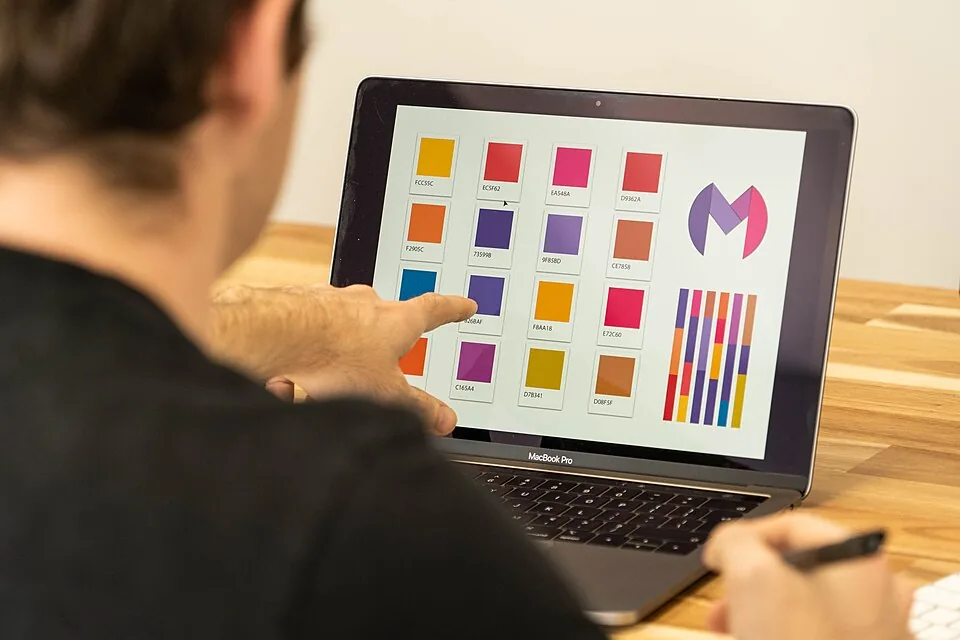
- Colour theory & choosing palettes
- Typography — pairing & spacing fonts
- Canva: fast flyers, posters & social posts
- Photoshop basics: layers, selections, masks
- Photo retouching & background removal
- Illustrator: logos & vector shapes
Lessons unlock from UGX 5,000 to UGX 15,000 via Mobile Money — pay for just the lesson you need, or the whole course. Tick lessons as you finish, and use the quiz to test yourself before your assessment.
Video lessons
- Coming soon
What is graphic design? Tools & careers
30 min
- Coming soon
Design principles: balance, contrast, hierarchy
40 min
- Coming soon
Colour theory & choosing palettes
35 min
- Coming soon
Typography — pairing & spacing fonts
35 min
- Coming soon
Canva: fast flyers, posters & social posts
45 min
- Coming soon
Photoshop basics: layers, selections, masks
50 min
- Coming soon
Photo retouching & background removal
50 min
- Coming soon
Illustrator: logos & vector shapes
50 min
- Coming soon
Designing a business logo end-to-end
55 min
- Coming soon
Branding kit: colours, fonts & templates
45 min
- Coming soon
Exporting for print vs web (DPI, formats)
30 min
- Coming soon
Building your design portfolio
35 min
📚 Course notes (4 units)
Read the full written notes online — unlocked with your course code.
Quiz
Score 60% or higher to earn your certificate.
1. Which tool is best for vector logos?
2. RGB colour is used mainly for…
3. For high-quality print you export at…
4. In Photoshop, edits stay flexible when you use…
5. A logo should be…
6. Canva is best described as…